Vue框架快速入门实例
环境准备
Vue.js【最好下载到本地】
开发工具:WebStorm
第一个Vue实例
新建html
html
<!doctype html>
<html lang="en">
  <head>
    <meta charset="UTF-8" />
    <title>Title</title>
  </head>
  <body>
    <!--div#app tab 快捷创建-->
    <div id="app">
      {{m}}
      <h1>{{h}}</h1>
    </div>

    <!--引入vue.js -->
    <script src="js/vue.js"></script>

    <!--Vue实例 -->
    <script>
      const a1 = new Vue({
        el: '#app',
        data: {
          m: 'haha',
          h: 'hehe',
        },
      });
    </script>
  </body>
</html>
运行结果:

总结:
- const 定义常量,let定义变量。(代替var)
- new Vue({}) 创建Vue对象
- el: '#app' ,把<div id="app>挂载给Vue对象管理
- data:{m: 'haha' },data对象中,有个属性m的值为haha
- {{m}},Mustache语法,取m的值
编程范式由传统的命令式到声明式,数据与视图分离。
简单列表
html:
html
<!doctype html>
<html lang="en">
  <head>
    <meta charset="UTF-8" />
    <title>Title</title>
  </head>
  <body>
    <!--div#app tab 快捷创建-->
    <div id="app">
      <h1>{{m}}</h1>
      <ul v-for="shuju in items">
        <li>{{shuju}}</li>
      </ul>
    </div>

    <script src="js/vue.js"></script>
    <script>
      const app = new Vue({
        el: '#app',
        data: {
          m: '列表',
          items: ['第一个数据', '第二个数据', 'fuck', '444'],
        },
      });
    </script>
  </body>
</html>
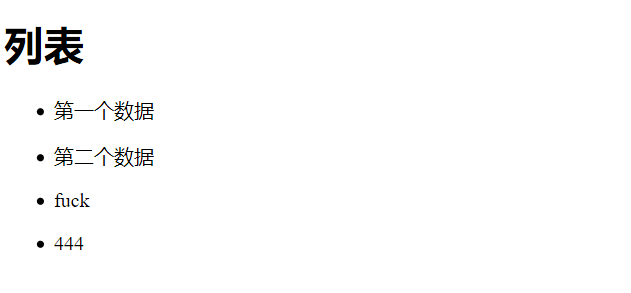
运行结果:
总结:
-
items:["第一个数据","第二个数据","fuck","444"] 定义一个数组
-
< ul v-for="shuju in items"> 遍历数组,赋值给一个名为
shuju的变量 -
< li>{{shuju}}< /li>取出数据
-
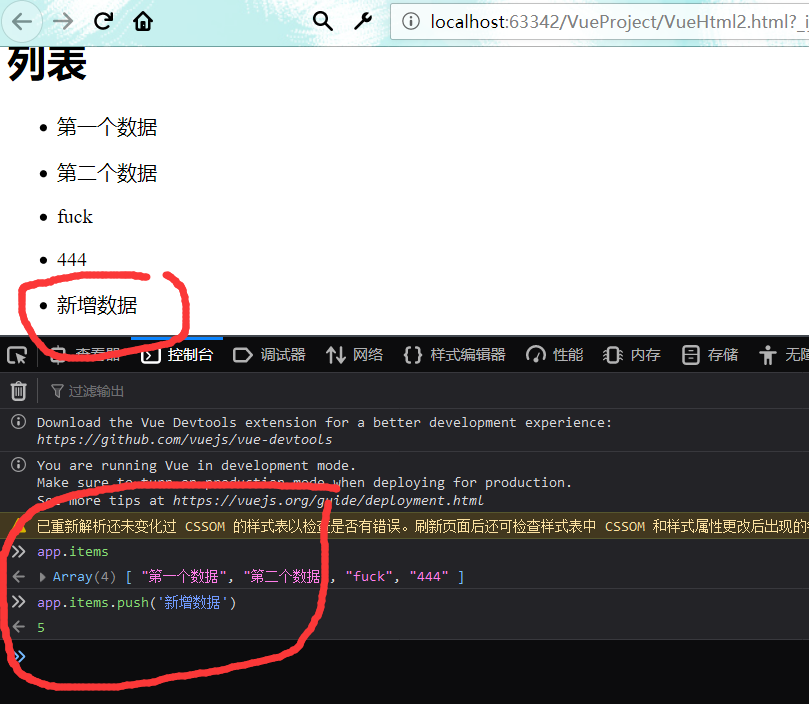
是响应式,浏览器控制台输入:
计数器
方式1
html
<div id="app">
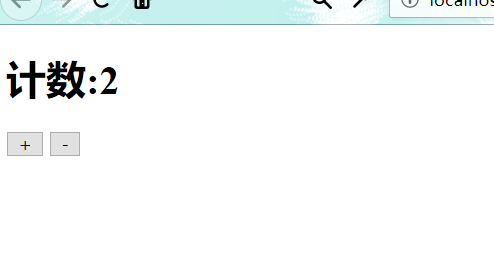
  <h1>计数:{{count}}</h1>
  <button v-on:click="count++">+</button>
  <button v-on:click="count--">-</button>
</div>

<script>
  const app = new Vue({
    el: '#app',
    data: {
      count: 0,
    },
  });
</script>
方式2
html
<div id="app">
  <h1>计数:{{count}}</h1>
  <button v-on:click="add">+</button>
  <button v-on:click="sub">-</button>
</div>

<script>
  const app = new Vue({
    el: '#app',
    data: {
      count: 0,
    },
    methods: {
      add: function () {
        this.count++;
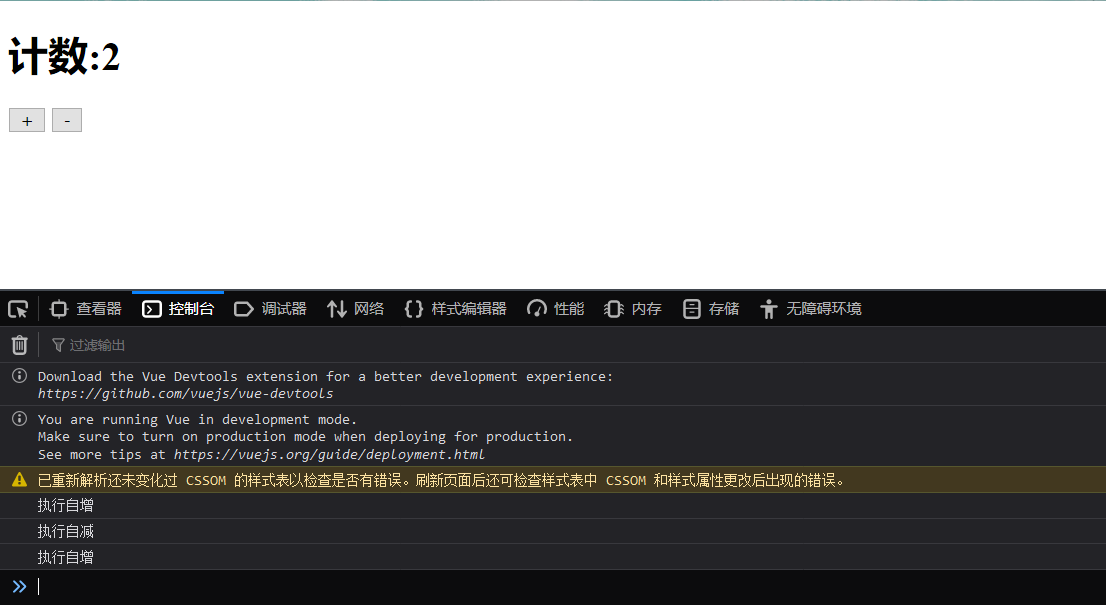
        console.log('执行自增'); //浏览器控制台打印
      },
      sub: function () {
        app.count--;
        console.log('执行自减'); //浏览器控制台打印
      },
    },
  });
</script>
总结:
-
< button v-on
="" >-
vi-on监听事件,v-on
=""监听点击事件 -
v-on
="i++",直接使i自增 -
v-on
="add",调用add方法
-
-
Vue对象的methods属性
- 定义方法:
html
methods:{ add:function () { this.count++; console.log('执行自增');//浏览器控制台打印 },